Accessibility · Hearing

Hearing solutions

Sound does a lot of work in games: it sets context, focuses attention, defines space, builds atmosphere, and intensifies action. When a player can't rely on audio, that information has to become visible. Two to three of every 1,000 children are born with a detectable level of hearing loss, and about 15% of American adults report some trouble hearing.

Source: NIDCD (NIH) ↗

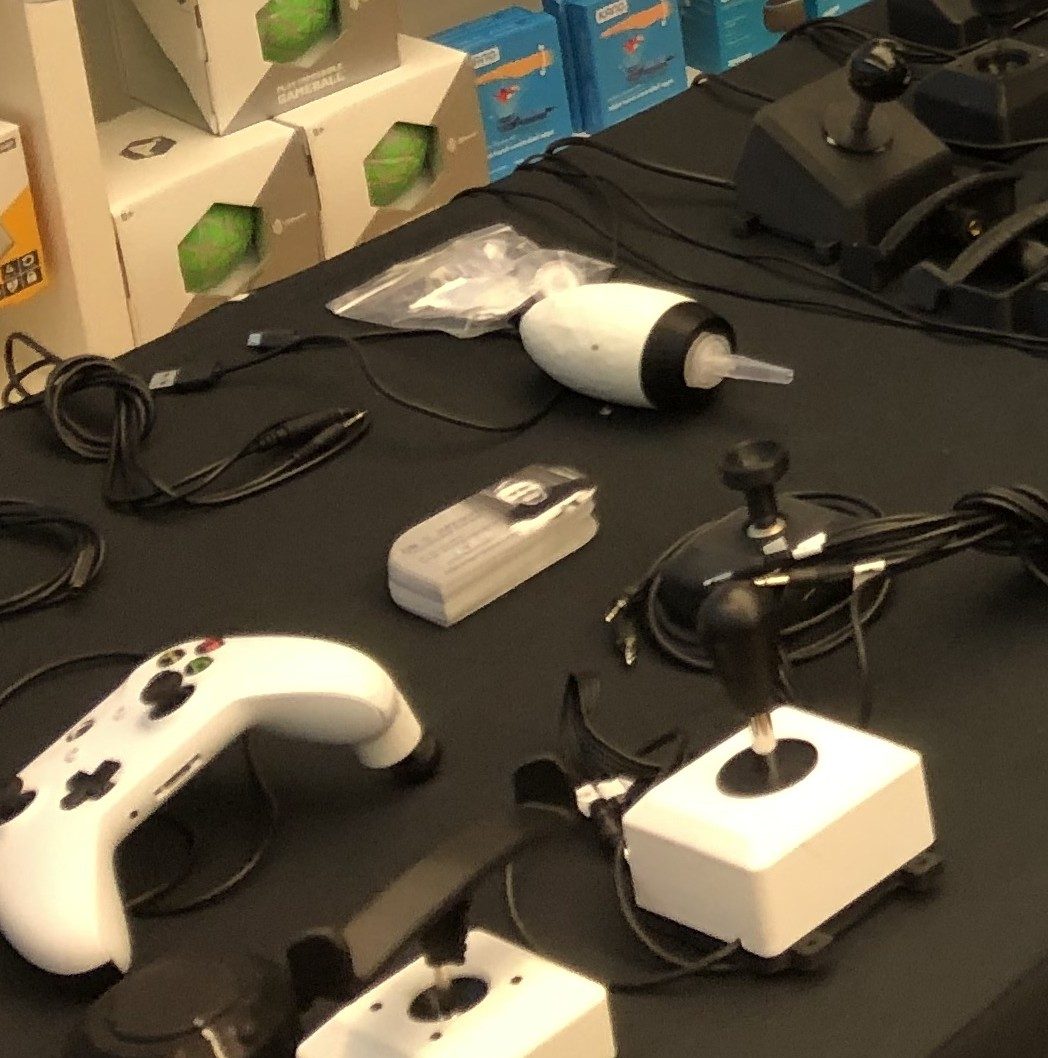
Adaptive joysticks and a controller on an adaptive gaming demo table, with switches and cables.
Real adaptive gear from a Rehab Arcade session — adaptive joysticks and controllers.

Closed captioning

A textual representation of a game’s audio, including speaker names and non-speech information like sound effects, ambient sounds, and emotional tone, so the story and cues come through.

In practice: Gears of War 5 labels speakers and adds context like "(on radio)" plus directional arrows.

Contrast

High contrast helps players distinguish text and visual elements from their background. This is especially important when a player is relying on visual cues in fast-paced moments.

In practice: Eagle Island lets players dim the backdrop to solid black and outline characters and platforms in white.

Text display

Customizable text for labels, menus, and chat (size, face, weight, style, spacing, alignment, case, and color) keeps information readable for everyone.

In practice: Grounded uses clear, accessible dialog boxes and notifications.

Trusted external resources

Want hands-on help?

Stuck on a particular player, setup, or program? Tell us what you are working with and we will come back to you by email.

Email only, no phone. Unsubscribe anytime.